
Fundamentals of PCB Design: A Comprehensive Guide for Beginners
Printed Circuit Boards (PCBs) are the backbone of all electronic devices. They provide a structured platform to connect electronic components, enabling devices to function as intended. The quality of PCB design directly impacts an electronic device’s performance, reliability, and lifespan.
Whether you’re a beginner or looking to refresh your knowledge, understanding the fundamentals of PCB design is essential. In this guide, Season Multilayer Circuit breaks down the key aspects of PCB design, helping you lay a solid foundation for your next project.
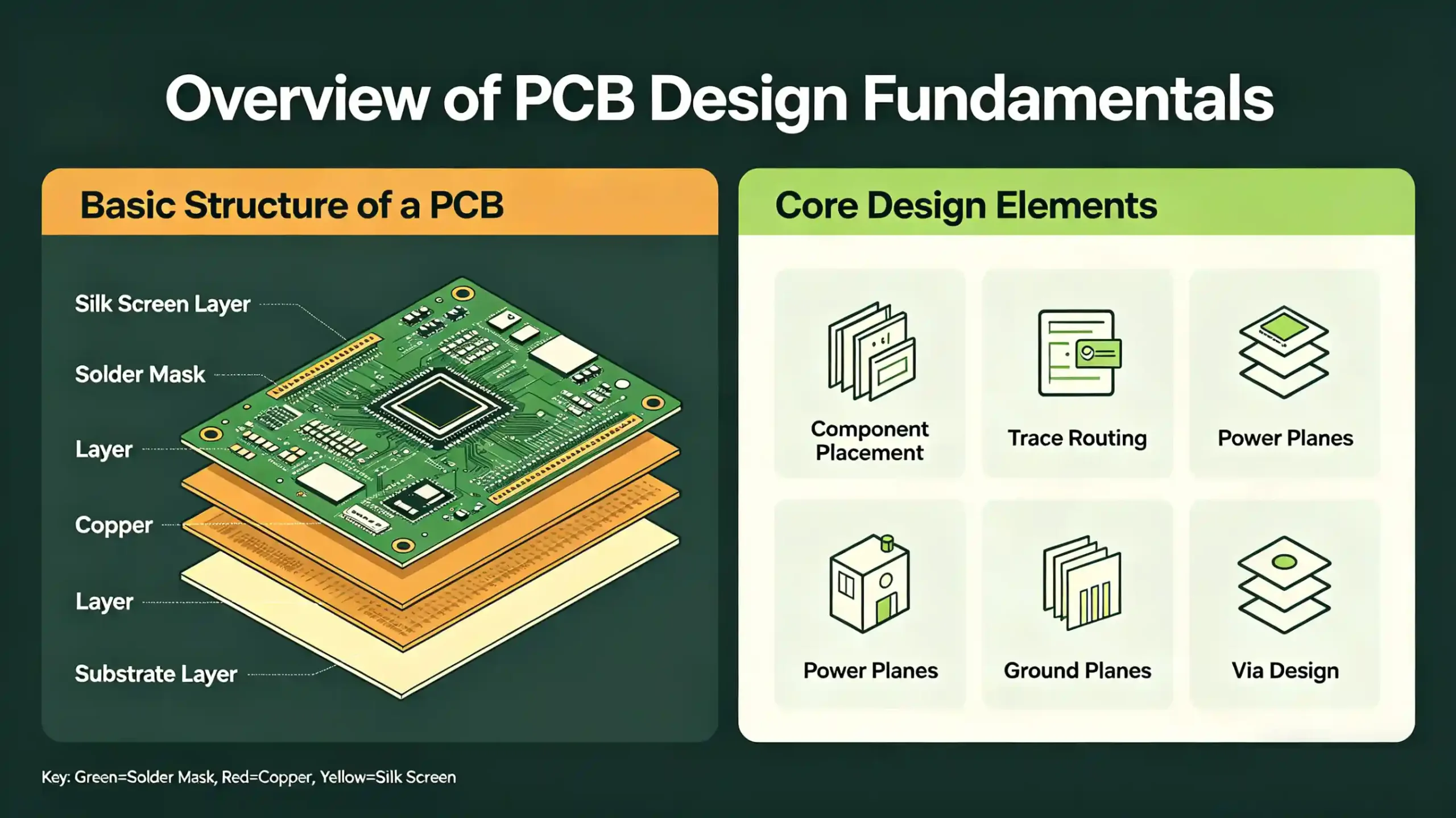
1. Overview of PCB Design Fundamentals
At its core, PCB design is the process of arranging electronic components and routing connections on a circuit board to achieve a specific function. The fundamentals of PCB design cover everything from component placement to material selection, each playing a critical role in the final product’s success.
A well-designed PCB ensures efficient signal transmission, minimal interference, and easy maintenance. For beginners, mastering these basics is the first step toward creating reliable, high-performance electronic devices.
2. Component Placement: A Key Step in PCB Design
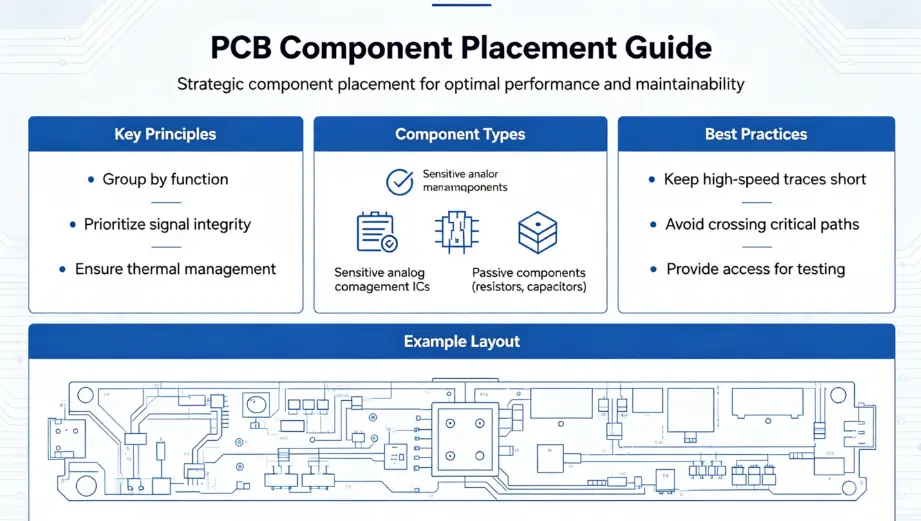
Component placement is one of the most important stages in the fundamentals of PCB design. It involves strategically positioning electronic components on the board to optimize performance, maintainability, and manufacturability. Here are the key factors to consider:
2.1 Component Arrangement
First, ensure the PCB size can accommodate all components while leaving enough space for soldering and maintenance. Arrange components based on the circuit’s function—group related parts to minimize signal path length and improve efficiency.
2.2 Component Height
In multilayer PCBs, match component heights across layers to ensure signal stability. Place taller components at the board’s edges or corners to avoid hindering hot plug detect and maintenance.
2.3 Component Packaging
Component packaging (the way components connect to the PCB) directly affects performance and manufacturability. Through-hole packaging is ideal for manual soldering, while surface-mount technology (SMT) suits automated production.
2.4 Heat Dissipation
Heat buildup can damage components and degrade performance. Place heat-generating components at the board’s edges or top for better airflow. Add heat sinks or fans for high-power components.
2.5 Functional Module Grouping
Group components by function (e.g., power supply, signal processing) to shorten signal paths, reduce interference, and simplify debugging. This makes the PCB layout cleaner and easier to maintain.
3. Routing Rules: Ensuring Signal Integrity
Routing refers to creating the conductive paths (traces) that connect component pins. Following proper routing rules is vital for maintaining signal integrity—a core part of the fundamentals of PCB design. Key considerations include:
3.1 Signal Integrity
To preserve signal quality, keep traces short, straight, and wide. Avoid right-angle bends and unnecessary cross-layer routing, as these cause signal reflection and loss.
3.2 Power and Ground Handling
Power and ground traces are critical for stable operation. Use adequate trace width to handle current demands, separate power and ground traces to reduce interference, and avoid sharp bends.
3.3 Electromagnetic Compatibility (EMC)
Minimize electromagnetic interference (EMI) by avoiding long parallel traces. Use proper grounding and shielding to improve EMC performance, ensuring the PCB complies with industry standards.
3.4 Preventing Signal Cross-Talk
In complex PCBs, signal cross-talk can degrade performance. Use isolation strips, beads, or capacitors to separate signals. Add decoupling capacitors to reduce noise.
3.5 Maintainability
Route traces to keep components accessible. Group functional modules to make debugging and component replacement easier.
4. Choosing PCB Layer Count
The number of PCB layers directly impacts performance, reliability, and cost—another key element of the fundamentals of PCB design. Here’s how to choose the right layer count:
4.1 Circuit Complexity
Simple circuits (low-frequency, small-scale digital) work well with 2-layer or 4-layer PCBs. Complex circuits (high-frequency, mixed-signal) require 6-layer or more PCBs for proper routing and signal isolation.
4.2 Signal Integrity
High-speed or high-precision signals need multilayer PCBs to reduce interference and reflection. Extra layers provide better shielding and isolation.
4.3 Power and Ground Management
Large, high-power circuits benefit from multilayer PCBs, which allow dedicated power and ground planes for stable voltage distribution and noise reduction.
4.4 Manufacturing Cost
More layers mean higher manufacturing costs. Balance performance needs with budget—choose the minimum layer count that meets your design requirements.
5. PCB Material and Dielectric Constant Considerations
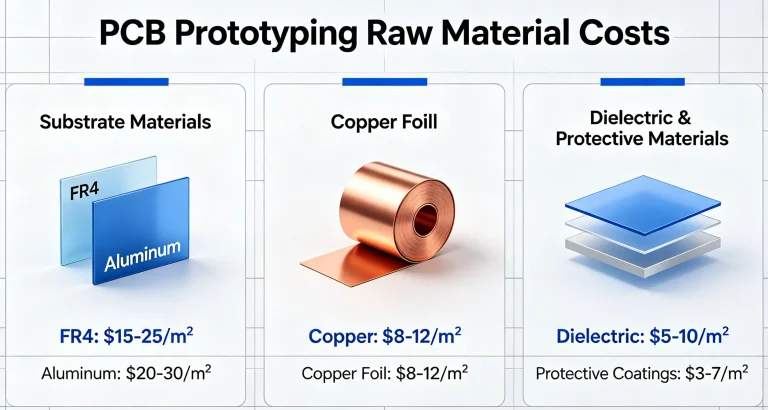
Selecting the right PCB material and dielectric constant is crucial for performance. These factors directly affect signal speed, integrity, and durability—core fundamentals of PCB design.
5.1 PCB Material Selection
Choose materials based on your application’s needs. Ideal PCB materials should have:
- High mechanical strength (e.g., FR-4, CEM-1) to withstand manufacturing and use.
- High temperature resistance to avoid performance degradation.
- Corrosion resistance to extend lifespan.
- Good processability for drilling, copper plating, and other manufacturing steps.
5.2 Dielectric Constant (Dk)
Dielectric constant measures a material’s insulating properties and impacts signal transmission. Key points:
- Higher Dk speeds up signal transmission but increases attenuation and distortion.
- Balance Dk with signal integrity and EMC requirements for your application.
6. Conclusion
The fundamentals of PCB design encompass component placement, routing rules, layer count, material selection, and more. Mastering these basics is essential for creating reliable, high-performance PCBs that meet your project’s needs.
As electronic technology advances, PCB design requirements become more complex. Continuously learning new techniques and materials will help you stay ahead and create designs that stand out.
FAQ About Fundamentals of PCB Design
Q1: What are the most important fundamentals of PCB design for beginners?
For beginners, the key fundamentals are component placement (functional grouping, heat dissipation), basic routing rules (short, straight traces), choosing the right layer count for your circuit complexity, and selecting appropriate PCB materials. These lay the groundwork for reliable designs.
Q2: How does component placement affect PCB performance?
Poor component placement can lead to long signal paths, increased interference, overheating, and difficult maintenance. Strategic placement (grouping by function, placing tall components at edges, separating heat-generating parts) optimizes signal integrity and overall performance.
Q3: Do I need a multilayer PCB for all projects?
No. Simple projects (e.g., basic LED circuits, small digital devices) can use 2-layer or 4-layer PCBs. Multilayer PCBs (6+ layers) are only necessary for complex circuits (high-frequency, mixed-signal, high-power) that require better signal isolation and power management.